
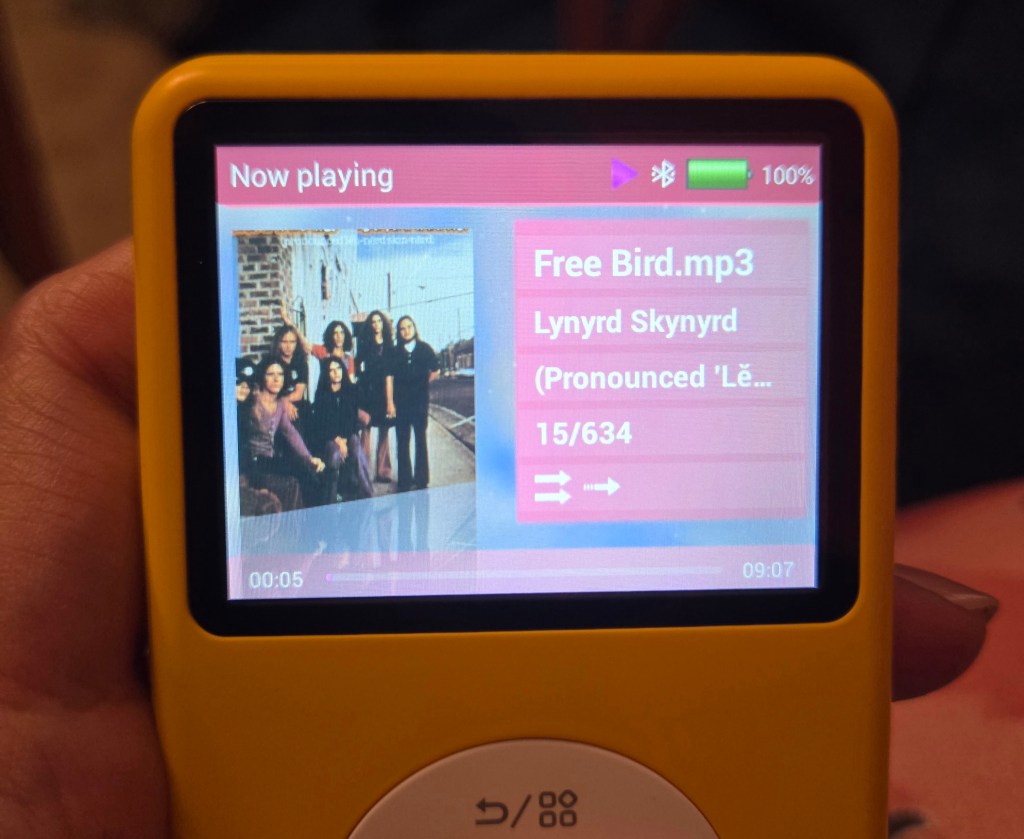
As some of you may know, I got a Innioasis Y1 Mp3 player recently and it’s been so much fun so far!
I only have good things to say tbh.
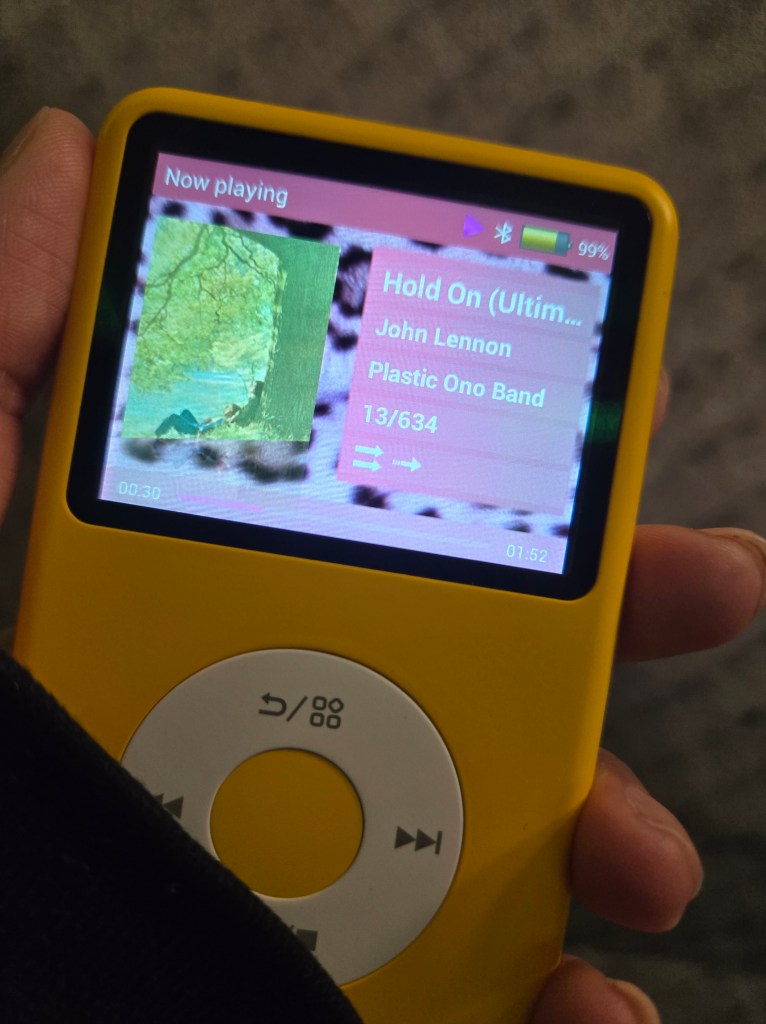
But because I have a Canva account, I decided to play around a little with it and I made a cute wallpaper for anyone who’s interested in changing their wallpaper on their Innioasis Y1 Mp3 player.
All you have to do is:
- Plug in your innioasis Y1 Mp3 player with the cord it came with to computer/laptop/PC.
- Turn on USB storage on the innioasis Y1 Mp3 player.
- On your computer/laptop/PC, locate the mp3 player (I specifically named mine “Mp3 player” so I knew which one it was.
- Find the themes folder and locate the wallpaper… for example: My Theme is “Girlypop” so I went to that specific folder and scrolled through all the files until I found the one that displayed the background wallpaper for the songs. Once you find it, write down the file name and delete that file. BUT MAKE SURE YOU WROTE IT DOWN CORRECTLY.
- Now, dowload this photo which I will include at the end of this post.
- Once the photo is dowloaded, rename the photo to whatever file name you jotted down earlier.
- Once it’s renamed, cut or copy and paste it into the themes folder you use.
- Now you must eject the innioasis Y1 mp3 player from your computer/laptop/PC.
- Then you can Turn Off USB Storage on the innioasis mp3 player.
- Then you go to the settings on the innioasis Y1 Mp3 player and set the theme to the theme you changed the wallpaper of and once it loads up, the new wallpaper will display when you play songs!!!!


I thought this was so much fun and will probably try to dabble in changing things but for now I’m pretty happy.
 Foolishly Happy
Leave a comment